Test the upload contract, not a file path.
Use a small invented file to check selection and acceptance, then keep server processing evidence separate.
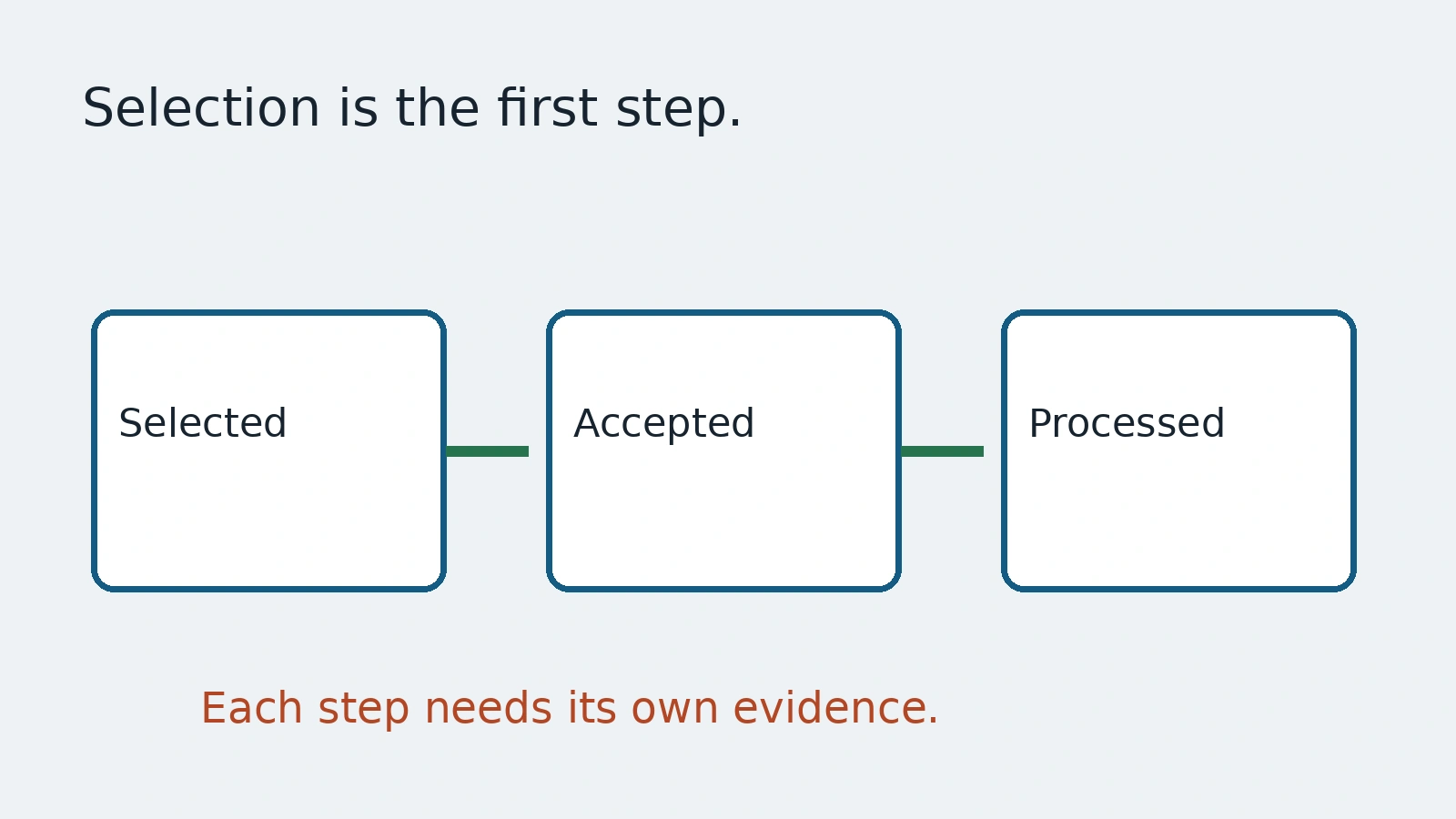
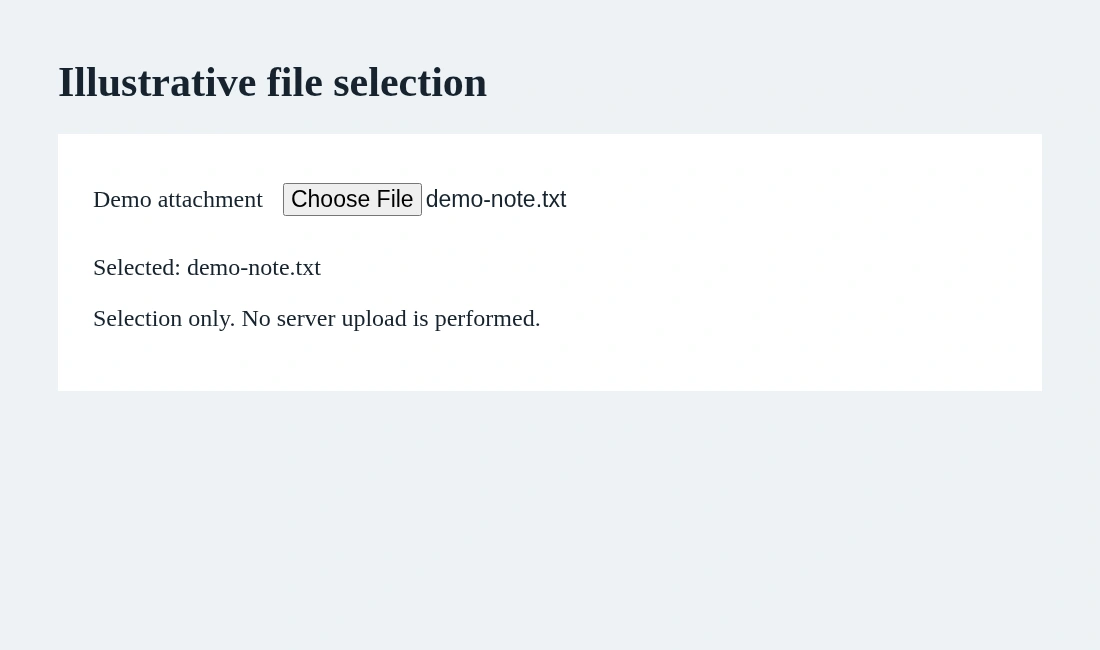
A file chooser opens, the test selects a file, and the suite declares the upload complete. The application has only received the input selection. It may still reject the format, fail validation or never finish processing. A green selection step is a narrower result than a usable uploaded document.
This guide uses Playwright's input documentation to create a tiny local text-file fixture. The file contains invented content. It is not a customer attachment, identity document or product example. We separate the browser input contract from whatever processing the application performs afterward.
Give the fixture a readable identity
A test fixture should state its name, MIME type and content. For a small text example, an in-memory payload is easier to review than an unexplained binary in a repository. Use realistic valid inputs for your product, but avoid private source documents when a controlled specimen will answer the question.
await page.getByLabel('Demo attachment').setInputFiles({
  name: 'demo-note.txt',
  mimeType: 'text/plain',
  buffer: Buffer.from('Invented demo note\n', 'utf8')
});
await expect(page.getByRole('status')).toHaveText('Selected: demo-note.txt');
The snippet assumes an accessible file input and local UI behavior that reports its selected filename. The assertion establishes that behavior, not successful server storage. Keep that limit in the test title and the explanatory figure.
Playwright documents paths, multiple files, payload objects and clearing selection through setInputFiles. Select the smallest input shape that matches the case. A multi-file test needs a requirement about ordering, limits and individual errors; it is not simply the same happy-path check repeated with more names.
Use a chooser event only when it is the needed boundary
Some interfaces create the input dynamically after a button click. The input guide describes waiting for the filechooser event before the action, then calling setFiles on the returned chooser. Put the event wait first so a quick chooser is still connected to the initiating control.
const pendingChooser = page.waitForEvent('filechooser');
await page.getByRole('button', { name: 'Choose demo file' }).click();
const chooser = await pendingChooser;
await chooser.setFiles({
  name: 'demo-note.txt',
  mimeType: 'text/plain',
  buffer: Buffer.from('Invented demo note\n', 'utf8')
});
These are alternative selection approaches for different interfaces, not two required steps in one upload. Do not automate a native operating-system dialog by guessed screen coordinates when the documented input or chooser boundary can express the action directly.
Selection, acceptance and processing are separate states
After selection, the application may inspect the file, send it to a server and run a background processor. Write the expected state for each relevant layer. The user-facing acceptance message should mean what it says. If processing is still pending, the test should not label the whole feature complete.
For an actual upload journey, use approved staging storage and verify the final controlled record through the product's supported evidence. Check that the correct document is available, not only that a spinner disappeared. Do not upload invented tests to a live customer's folder merely because the UI makes it easy.
A filename and MIME type are inputs, not independent proof of file contents. A text payload named image.png is not a valid image. Choose deliberate invalid specimens when testing rejection and valid specimens when testing acceptance. Explain which contract each specimen is meant to exercise.
Keep invalid cases small and useful
The product may reject an unsupported format, an oversized input, an empty file or a duplicate. Establish the expected policy from the application team before writing these assertions. Do not invent a maximum size or assume a browser accept attribute is the entire security rule.
Verify the explanation and safe next action for a rejected file. A user should be able to choose another file or remove the selection if that is the intended design. Test cleanup matters too: an accepted staging upload can remain after the browser closes, so arrange record removal through an approved route.
Keep fixtures and resulting failure artifacts under a privacy review. Small invented inputs are easier to inspect and safer to distribute than captured real documents. Screenshots and traces may reveal selected filenames even when the file bytes are not attached.
AnyTest describes agents exploring a web app and building end-to-end tests for human review. Use these boundaries to review any proposed file journey: selected, accepted, processed and available. This guide does not assert a particular AnyTest upload interface or validation integration. The benefit is a clear artifact contract that prevents a successful input action from becoming a false promise about server results.
Common questions
Does selecting a file prove upload completion?
No. Selection, acceptance and final server processing are separate evidence.
Can the fixture use a real customer document?
Use invented or approved staging specimens. Avoid private files when controlled content answers the test question.