Name test steps by the question they answer.
Make a report readable with small assertion-bearing steps, without treating labels as evidence.
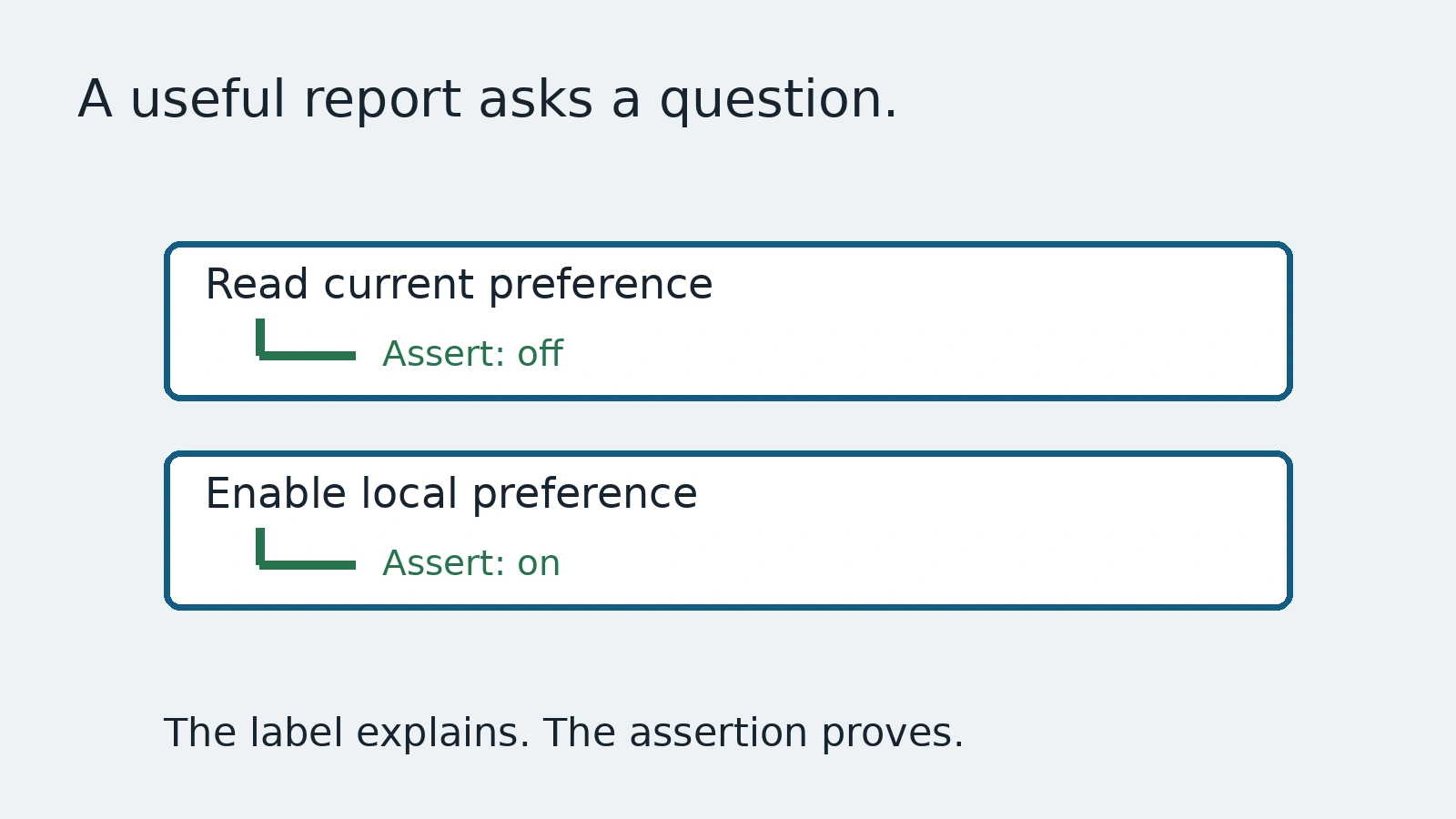
A report says Step 1 passed, Step 2 passed and Step 3 failed. The labels preserve order but explain little. Another report says Saved successfully even though the step only clicked Save. That label explains too much: it announces a conclusion that the code never checked.
This guide uses the Playwright Test API to group an invented local preference journey. There is no account or server. The purpose is to make report boundaries match the questions the code actually answers, without turning a descriptive name into proof.
Give each step one inspectable question
Playwright's test.step groups actions into a named step in the report. Use the name to explain the intent and keep the assertion that answers it inside the step. A label like Read the current demo preference is safer than Preference stored forever when the test only inspects one page.
await test.step('Read the current demo preference', async () => {
  await expect(page.getByRole('status')).toHaveText('Demo preference: off');
});
await test.step('Enable the local demo preference', async () => {
  await page.getByRole('button', { name: 'Enable demo preference' }).click();
  await expect(page.getByRole('status')).toHaveText('Demo preference: on');
});
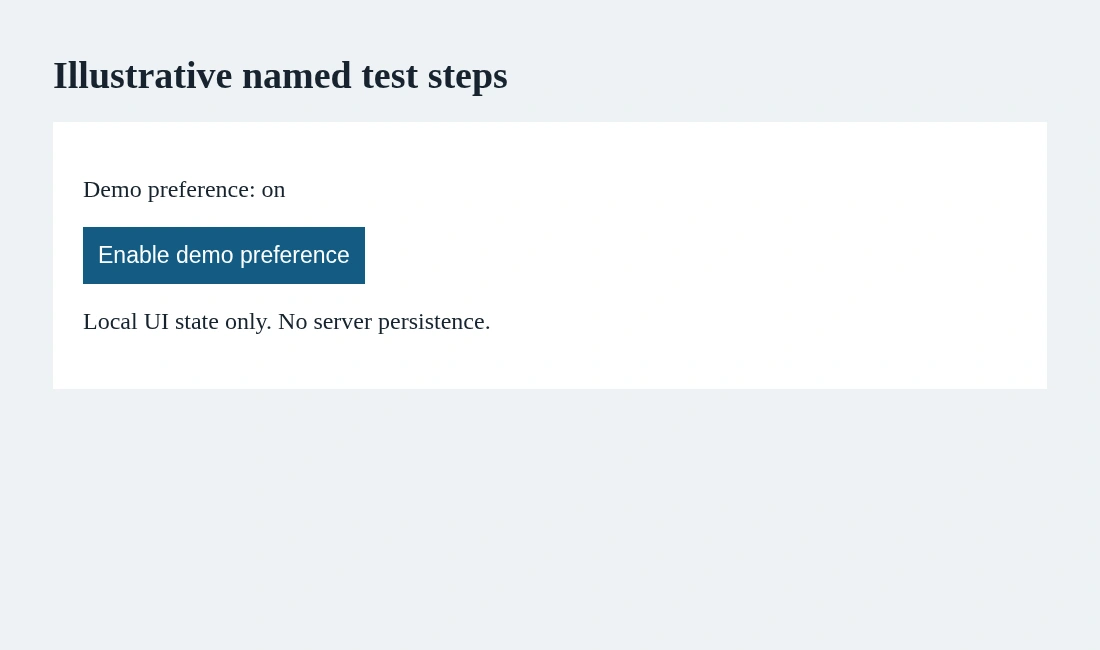
This snippet assumes an invented fixture and imported test and expect from the runner. It establishes local initial and changed states. It does not reload a server-backed record or demonstrate persistence. The test name, step names and explanatory screenshot should keep that limit visible.
Keep setup distinct from evidence
Opening the fixture is setup. Reading its initial state provides evidence. Clicking the control is an action, and observing the new state provides another piece of evidence. Combining all four into a step called Complete preference workflow hides where the question changed.
Too many tiny steps can be just as unhelpful. A separate step for each locator construction adds report noise without describing product behavior. Group by a useful question, not by every line of code or an arbitrary desired step count.
Nested steps can express a real hierarchy, but do not bury the assertion under layers of vague names. A reviewer should find the relevant check without opening a tree of labels that all say Prepare, Process or Finish.
Return what later steps actually need
The API documents that test.step returns the value returned by its callback. That can keep a controlled identifier close to the step that obtained it. Pass only what the following step needs, rather than treating a step boundary as a global store of hidden state.
A return value still needs validation. A truthy object is not proof of a correct record. Name the identifier's origin and the assertions that establish its meaning. In a real suite, use approved test data and avoid putting private record names into public step titles.
Verify report behavior with a local run
Our runner executes two named steps and checks the initial and changed status. A separate controlled screenshot shows the local result. Both steps pass, but that says nothing about a remote persistence layer. The visible film is an explanation of report structure, not a recording of a customer workflow.
When a step fails, its name should help locate the question, not replace the failure details. Read the assertion and context rather than concluding that every action inside a passed step was independently validated. A step containing only clicks can pass without checking the promised outcome.
Review names and code together
Write a short rule: step title states the question, body contains the relevant action and assertion, and scope stays honest. Revisit names when the implementation changes. A stale label can make a report misleading even when the code accurately tests its narrower behavior.
AnyTest describes agents exploring web applications and producing end-to-end tests for review. Ask whether report labels match the evidence a proposed journey actually collects. No specific AnyTest step-format feature is claimed. Good names reduce reading effort; assertions still carry the proof.
Common questions
Does a passed step prove its title is true?
Only the checks in its body establish evidence. A label by itself proves nothing.
Can test.step return a value?
Yes. Its callback return value is returned by test.step; validate the value before relying on it.