Follow the popup that your action opened.
Bind a new window to its initiating action, then check the intended page instead of an arbitrary tab.
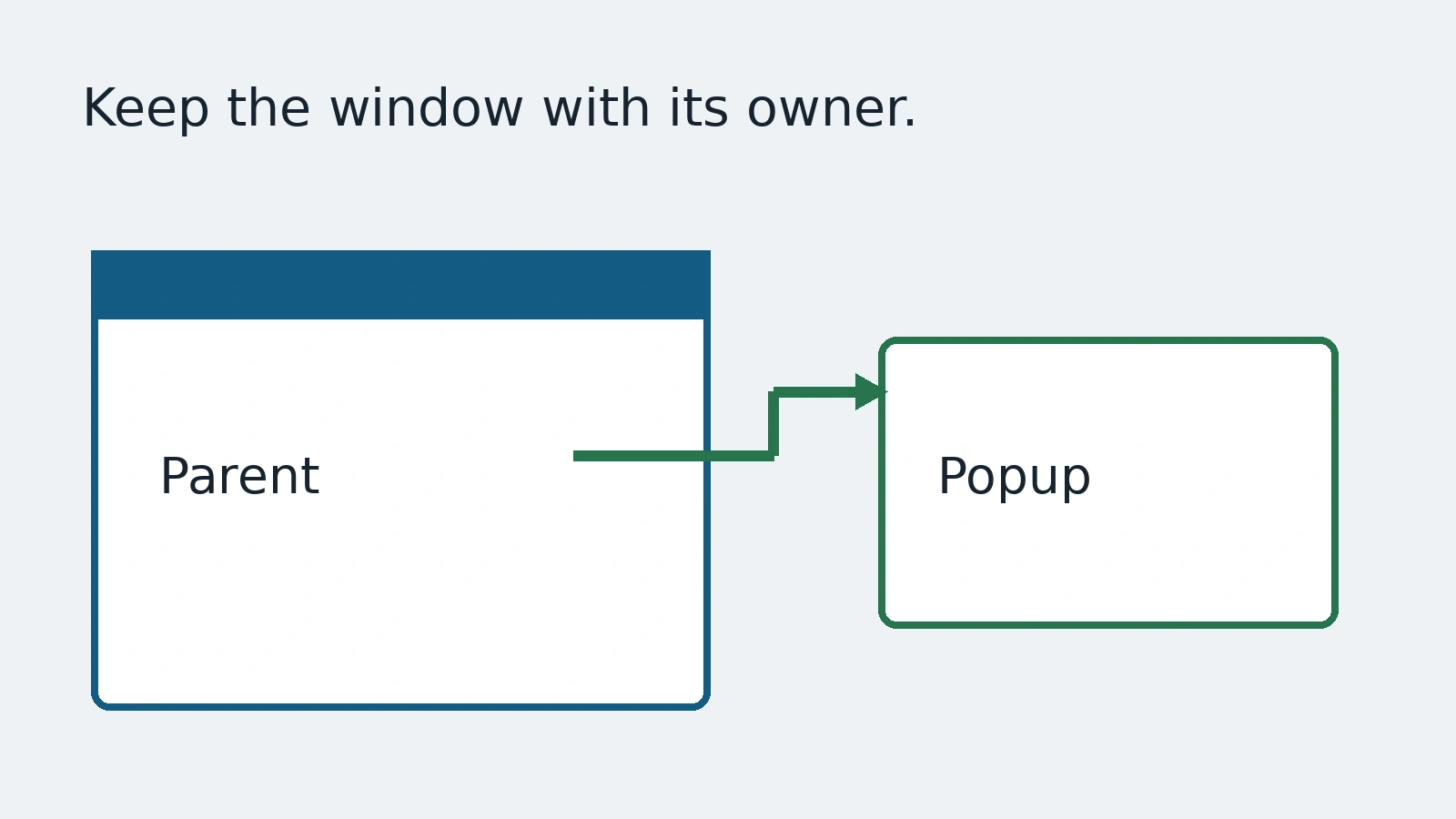
A help button opens a new window. The test keeps reading the original page, or grabs whichever tab happens to be last. It may pass when another window is present and fail when the environment changes. The missing contract is ownership: which page did this action create?
This guide follows Playwright's pages documentation with a local invented support window. It is not an account login or an external payment flow. The aim is to attach a popup to its initiating action, inspect the page you actually received and avoid turning tab order into evidence.
Wait on the page that owns the action
Start the popup wait before clicking the control that opens it. Then await that same promise and keep the returned Page reference. A fast new window should not escape the wait, and a different existing tab should not become the accidental target.
const pendingPopup = page.waitForEvent('popup');
await page.getByRole('button', { name: 'Open demo help' }).click();
const popup = await pendingPopup;
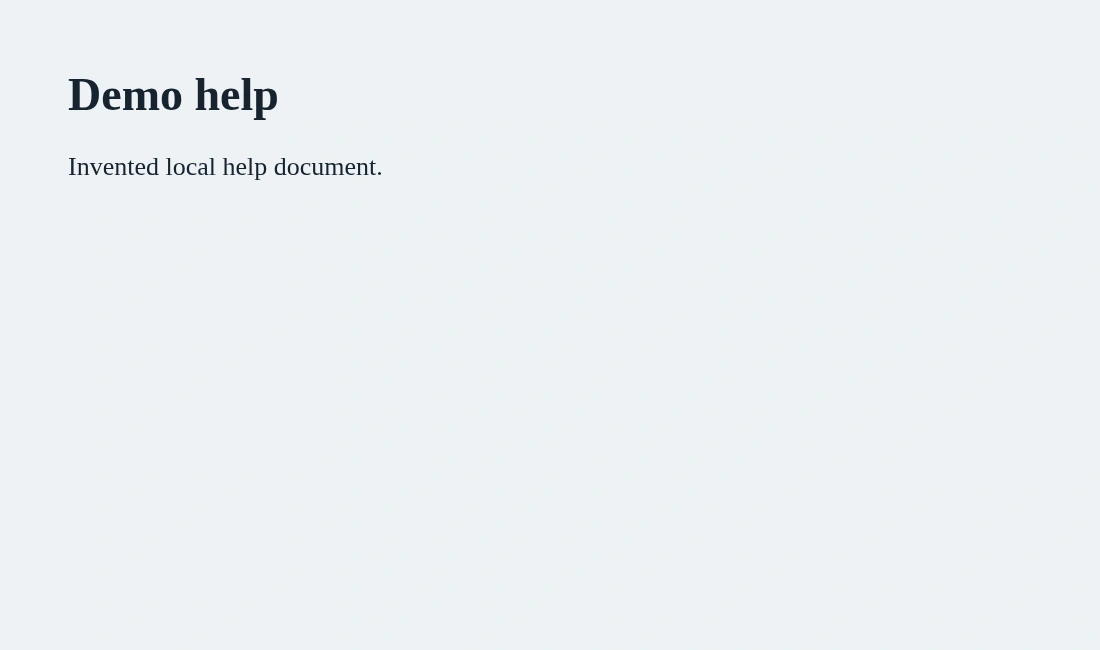
await expect(popup.getByRole('heading', { name: 'Demo help' })).toBeVisible();
This example assumes the local application opens a popup with a useful heading. It does not create a heading or guarantee that every browser policy permits every kind of new window. Put the listener before the action and verify the actual expected content afterward.
The pages guide also describes listening for a new page on the browser context. That wider event is useful when the initiating page is not known. When it is known, a page-level popup event gives a clearer relationship. Scope the wait to the behavior instead of adopting the broadest listener by default.
A new page is not yet the right destination
Receiving a Page object proves a window was created. It does not prove the intended content loaded or that navigation ended at a permitted origin. A popup can show an error, a redirect or a different document. Check a meaningful URL or page condition against the actual product requirement.
For the demo, a heading is enough to demonstrate ownership. For a real flow, use the approved expected destination and the information the person should receive. Do not treat any visible heading as success. Do not enter credentials into an unexpected page because it opened at the right moment.
Use the returned popup reference for assertions and actions. Avoid relying on the order of context.pages(). The context may already contain a notification tab, an earlier help window or pages created by the application. A last-tab assumption is a guess hidden in otherwise readable code.
Keep navigation and business completion separate
A document appearing in another window may be only one step in the journey. A support article should contain the promised guidance. A generated report should correspond to the selected record. A confirmation window should reflect the actual operation. The new-window event cannot prove any of those business outcomes on its own.
Use invented or approved staging records while developing the test. If the popup enters a third-party service, establish the permitted test boundary before acting there. A convenient browser reference is not permission to submit a form, spend money or disclose account data to another site.
For workflows that finish back in the original window, keep both references and name them. Check the original page's next state after the approved popup action. Do not accidentally close the parent page to make cleanup simpler. A test should preserve the relationship that a person experiences.
Decide how no-popup behavior is reported
A product may intentionally reuse the same tab on mobile or in a different configuration. Confirm that behavior before requiring a popup everywhere. If the specification promises a popup and none arrives, a bounded event wait should fail with that clear boundary rather than hanging indefinitely.
Do not fix the failure by clicking repeatedly. Repeated clicks can create several windows when the original request is merely slow. Inspect whether the click happened, whether the browser blocked the action and whether the application changed its navigation design. The right correction depends on that evidence.
Close the local popup when the test has finished inspecting it. Keep necessary evidence according to the suite's privacy policy. Window URLs, titles and screenshots can contain private record details, so a clean parent screenshot does not make every attached popup safe to distribute.
AnyTest describes application exploration and end-to-end tests that humans review. A reviewer can ask which window a generated journey actually targets and how it proves that relationship. No specific popup implementation in AnyTest is claimed. The useful result is an explicit page owner and destination check, not a larger collection of tabs.
Common questions
Should a test use the last tab?
Not when the initiating action can be tied to a popup event. Keep the returned page reference.
Is a popup event the final outcome?
No. Verify the intended destination/content and the business result separately.