Enter the frame before you name the control.
Keep an embedded form inside its own document scope, without turning DOM order into a product contract.
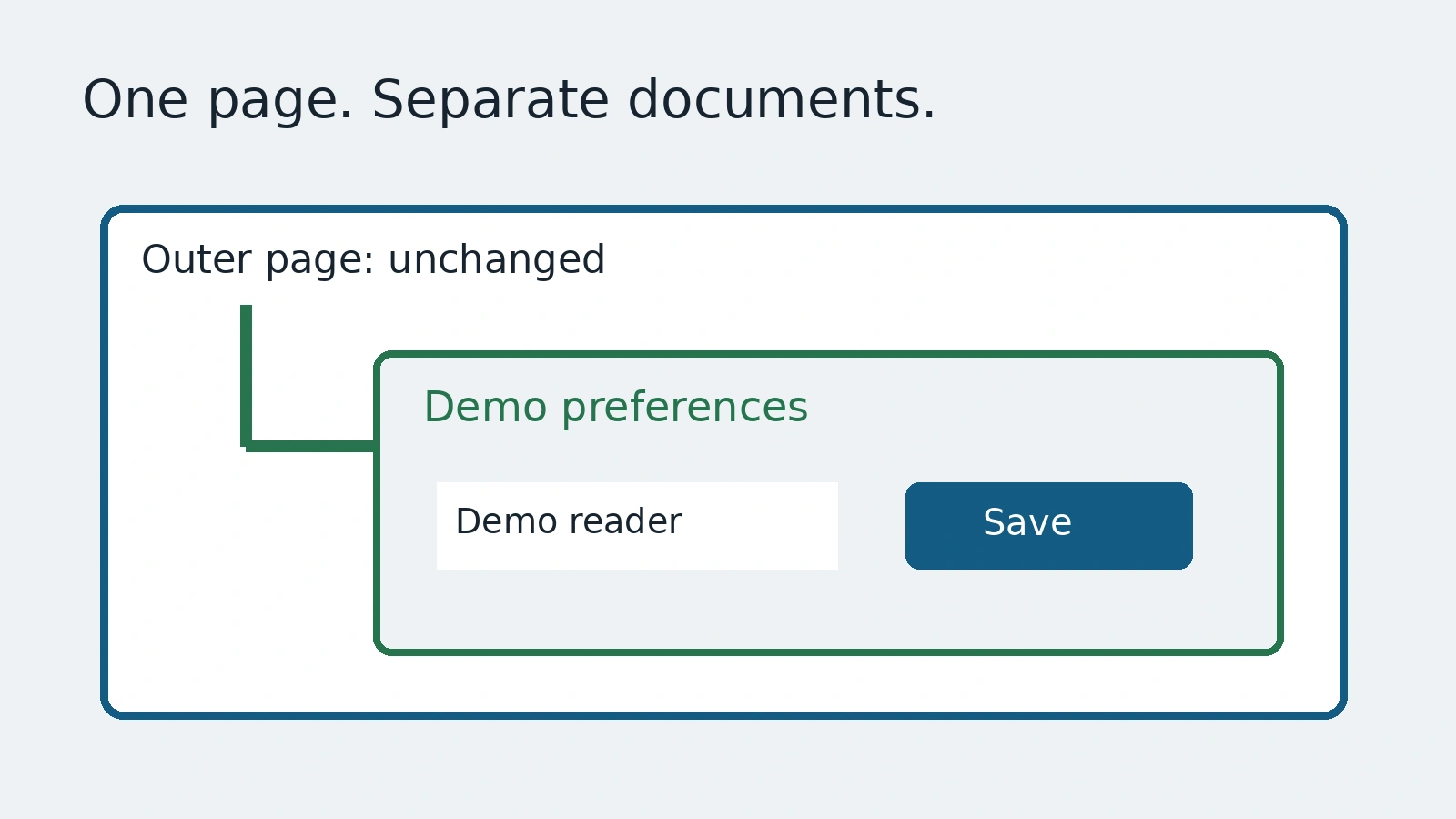
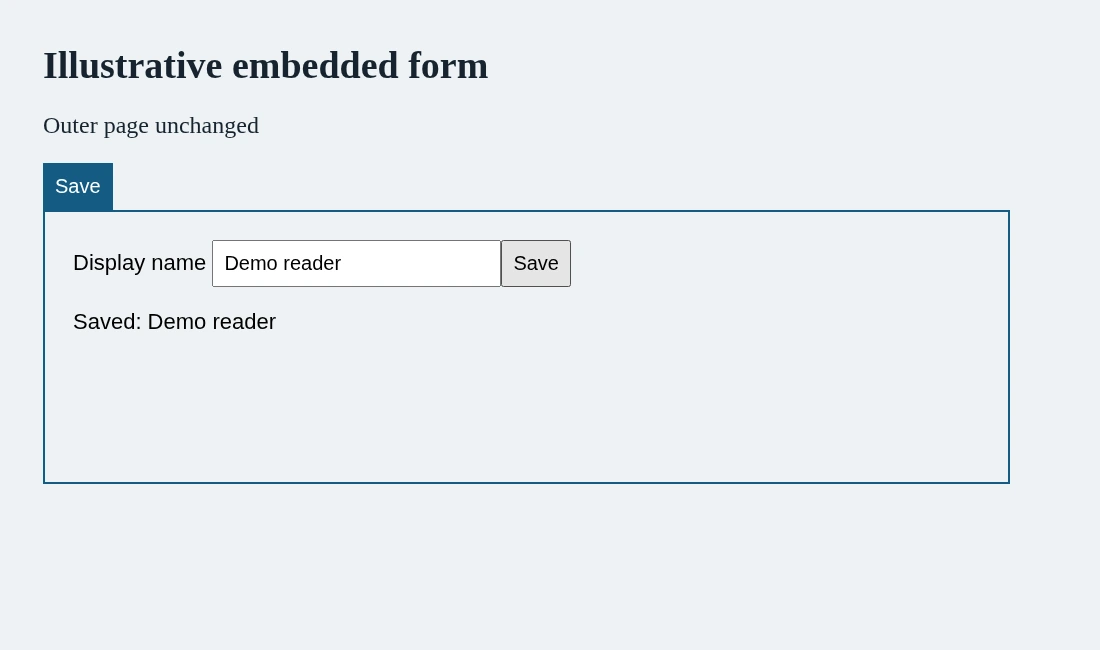
A page has two Save buttons. One belongs to the page settings. The other belongs to an embedded preferences form. A test that only names Save has not yet said which document owns the action. Adding a longer selector outside the embedded document does not fix that missing scope.
This guide uses Playwright's frames documentation with an invented local form. We want the embedded preference to change while the outer page stays unchanged. The example is not a payment widget, vendor integration or security assessment. It isolates one question: did the test act inside the intended frame?
Name the document before its control
Page-level locators work in the main frame. An iframe has its own document. Use a frame locator to enter the intended iframe, then locate a control by its accessible name. The two scopes make the test readable without tying it to the position of a button on the screen.
const preferences = page.frameLocator('iframe[title="Demo preferences"]');
await preferences.getByLabel('Display name').fill('Demo reader');
await preferences.getByRole('button', { name: 'Save', exact: true }).click();
await expect(preferences.getByRole('status')).toHaveText('Saved: Demo reader');
await expect(page.getByRole('status')).toHaveText('Outer page unchanged');
This snippet assumes a controlled page containing the named iframe, an accessible input and a status in each document. Import expect from the Playwright test runner. The final assertion is useful: it makes an accidental action on the outer page observable rather than merely checking that some Save action succeeded.
The iframe title is a fixture contract here, not a universal selector recommendation. Choose an identifier that the real application promises to keep meaningful. If multiple embeds have the same title, the test still lacks a unique owner. Talk to the application team rather than treating the first matching frame as the answer.
Let ambiguity fail clearly
The FrameLocator API documents strictness when a selector matches more than one frame. That failure is information. It can mean the application added a second embed or that the original selector never named a unique feature.
Do not automatically append first() or nth() to silence the failure. Position may be the intended product rule in some cases, but establish that rule before encoding it. A test that keeps choosing the first frame can pass after a new unrelated embed moves ahead of the form you meant to exercise.
Nested frames add another scope, not permission to guess. Follow the expected document chain and keep the resulting reference near the assertions that use it. The frame guide also documents accessing a Frame by its name or URL. Pick the approach that expresses the actual ownership contract; avoid mixing several frame searches simply because one happened to work locally.
Test the useful outcome within the boundary
Filling an input proves the browser action was possible. A status message proves the selected UI reported a result. Neither alone establishes that a remote service saved the preference. Our local specimen deliberately has no server. Its screenshot is mechanism evidence, not a completed integration journey.
For a real embedded feature, define the approved staging record and the expected persisted result. Then inspect that result through the product's supported evidence. Keep any cross-service effects in the authorized test environment. A frame locator can reach an embedded control; it does not make spending, consent or account changes safe by itself.
A frame check also does not certify keyboard navigation, focus transfer or screen-reader usability. Those need their own expectations. The same visible label can coexist with poor focus behavior at the boundary, so do not expand one functional assertion into an accessibility claim.
Make the review note small and specific
Record the frame owner, control name, changed state and unchanged neighbor. When a generated journey fails, this note helps a reviewer distinguish a missing embed from an ambiguous target or a changed application contract. Capture only invented or approved test records in screenshots and traces.
AnyTest describes agents exploring a web app and producing end-to-end tests for human review. Ask which document a proposed action targets and how the result is proved. This guide claims no particular AnyTest frame API. The value is explicit ownership: enter the right document before giving a control a name.
Common questions
Does a page locator enter every iframe?
Page-level actions operate in the main frame. Enter the intended iframe scope before locating its controls.
Should an ambiguous frame selector pick the first match?
Only if position is the actual established requirement. Otherwise fix the ownership contract rather than hiding ambiguity.