Advance the clock, not the test runtime.
Test browser-side expiry with controlled time, while keeping server time and real waiting outside the claim.
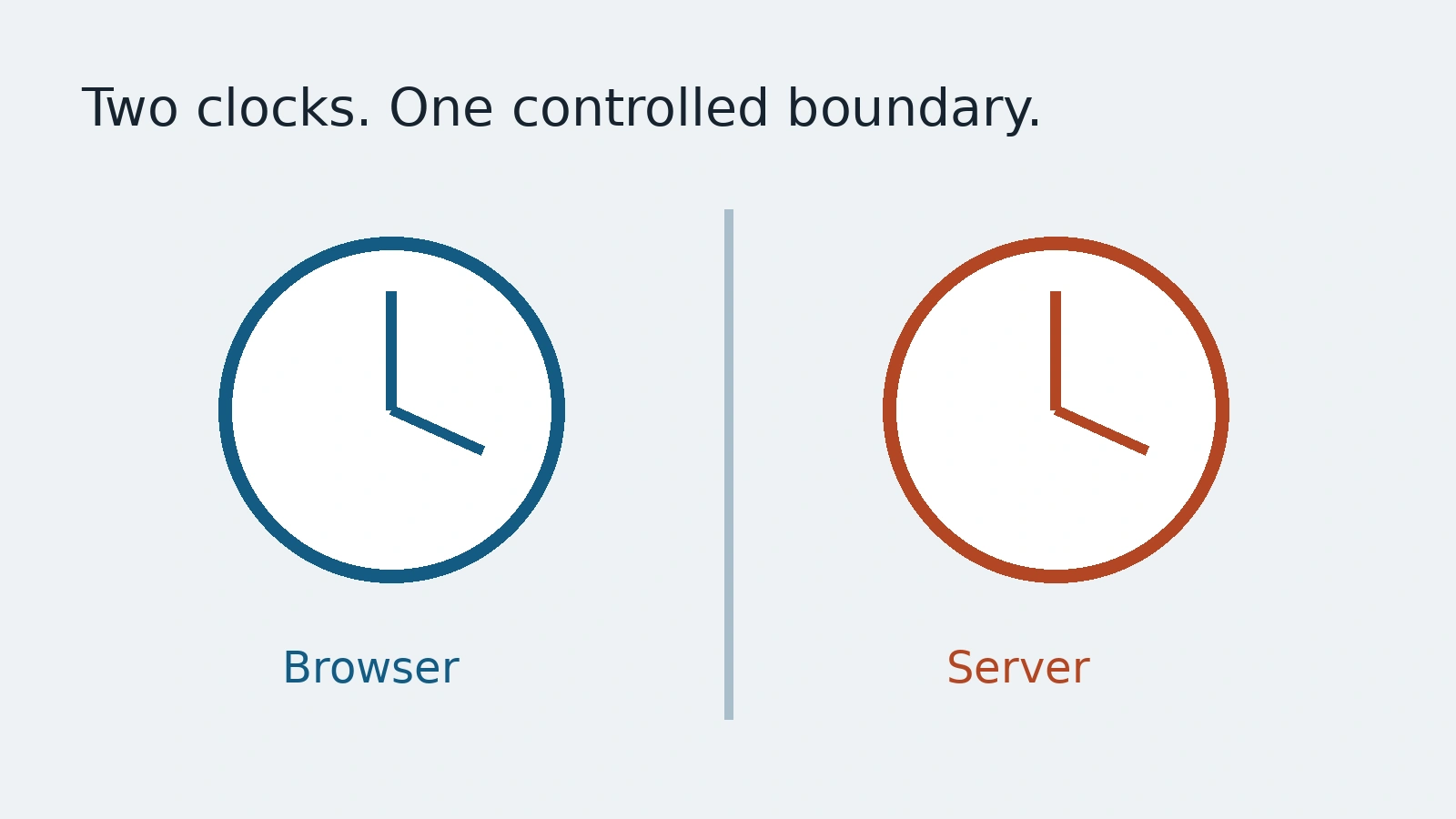
A reminder appears after a long idle period. The test waits for the whole period. That makes the suite expensive to run, so someone reduces the delay in a special build. Now the test no longer exercises the same timing rule. Controlled browser time offers another path, provided the result is named honestly.
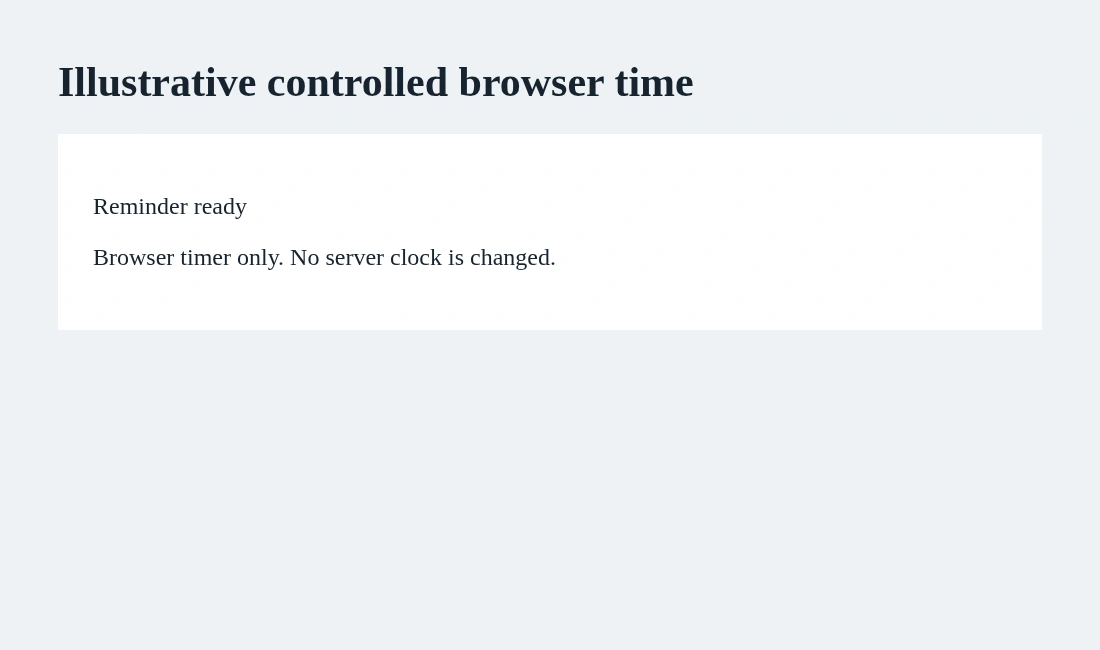
This guide uses Playwright's clock documentation to check a small local reminder. Its visual is an invented countdown, not a production session or performance benchmark. We control browser-side time to exercise the selected behavior. We do not claim that advancing that clock changes a remote server, expires a real token or recreates every scheduling condition.
Separate the wall clock from the timer
An application can read the current date, schedule a timeout or update on an interval. Those mechanisms are related, but a test needs to know which one drives the behavior. A date label that says tomorrow and a callback that fires in sixty seconds are different contracts.
Playwright's clock guide describes controlling time APIs, including Date and timers. Its fixed-time method changes the reported time without advancing timers. Installing the clock provides a broader controlled setup. Choose the method from the application's actual rule, not from whichever example is easiest to paste.
For our demo, the page schedules a reminder through setTimeout. Install the controlled clock before the page's timing code starts. Then move through the callback schedule deliberately:
await page.clock.install();
await page.setContent(`
  <p role="status">Waiting</p>
  <script>
    setTimeout(() => {
      document.querySelector('[role=status]').textContent = 'Reminder ready';
    }, 60000);
  </script>
`);
await page.clock.runFor(60000);
await expect(page.getByRole('status')).toHaveText('Reminder ready');
The snippet uses a local HTML fixture and an imported Playwright expect. It is a mechanism example, not a complete reminder feature. The test should also check what a person can do after the reminder appears and what happens when they dismiss it. Advancing time cannot supply those product decisions.
Choose how missed callbacks behave
The clock guide distinguishes advancing through timers from jumping time. Read that distinction before replacing a long wait. A system that updates once per second may behave differently if every scheduled callback runs versus a jump that simulates a browser waking after a pause.
Use runFor when the selected scenario requires advancing with scheduled callbacks. Consider fastForward for a different scenario in which missed timing behavior matters, following the documented semantics. Do not treat the two operations as interchangeable merely because both reach a later time. A test name should say which situation it represents.
Keep a small case for the boundary just before the reminder and another for the point when it should appear. For a repeating timer, add the repetition rule only if the feature promises it. A single final assertion can miss an early reminder or multiple duplicate notifications.
Browser time is not the server's clock
A real session may expire according to server policy. Moving the browser clock does not change that policy. A UI countdown can say expired while the server still accepts the request, or the server can reject it before the UI notices. Those are different pieces of evidence to test separately.
For an authenticated feature, establish whether the source of truth is a server response, an expiry timestamp or a local timer. Use approved staging inputs and controlled identities. Never change a live account's session or a machine's system clock simply to make an illustrative timing check convenient.
Timezone and locale are another boundary. A timer test does not automatically validate a calendar deadline around daylight-saving changes or the displayed date in every locale. Add those cases from the real requirement rather than expanding the meaning of one green result.
Leave a useful timing contract for reviewers
Record the time source, installed mechanism, initial state, advance operation and expected boundary. That short note lets a teammate understand why the test does not sleep for a minute and what behavior it still protects. If the test later fails, inspect whether the application moved timing to another layer before increasing arbitrary waits.
AnyTest describes agents exploring an application and building end-to-end tests for human review. Use the timing contract to review any proposed expiry journey. This guide does not assert an AnyTest clock-control feature or runner integration. Faster tests are useful when the shortcut preserves the question, not when it silently substitutes a different clock.
Common questions
Does browser time expire a server session?
No. The browser clock does not control the remote server clock or its session policy.
Are runFor and fastForward interchangeable?
No. Select their documented callback behavior for the specific timing scenario.