A semantic snapshot is not an accessibility certificate.
Use a small ARIA snapshot to catch structural regressions, then test behavior and accessibility beyond that template.
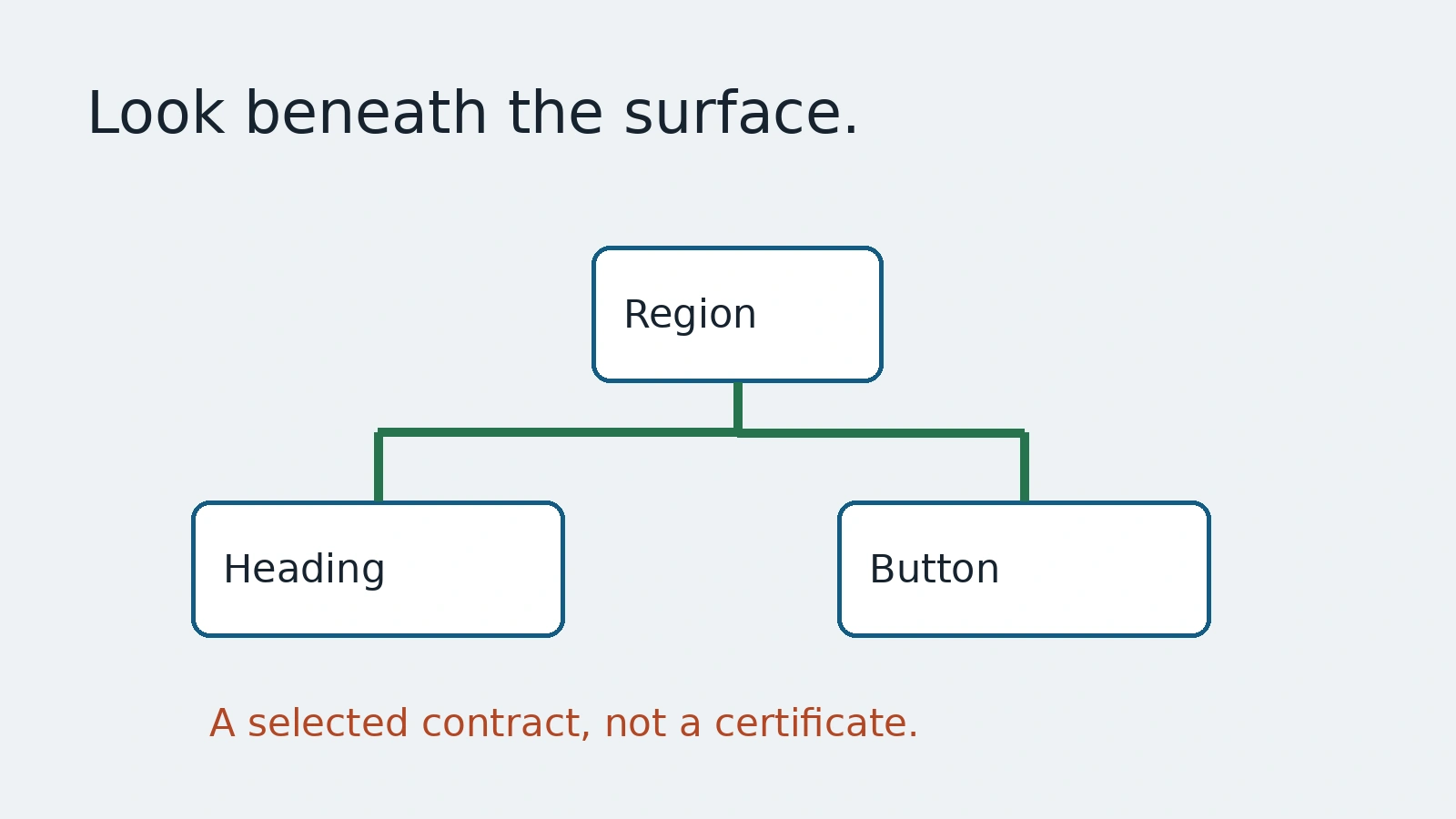
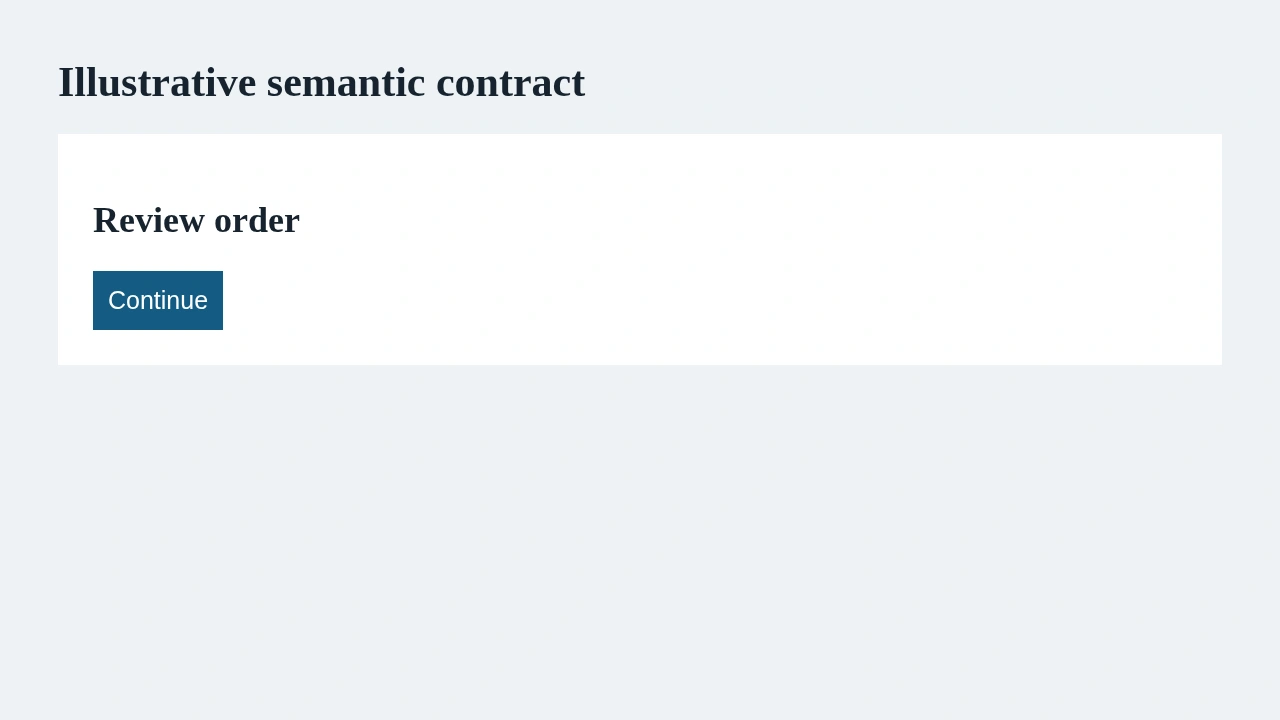
A checkout redesign looks cleaner. Its heading becomes a styled div, and the Continue button loses its useful name. A screenshot comparison may approve the appearance while missing the semantic change. An ARIA snapshot can make that structure visible, but a green snapshot does not certify that the whole experience is accessible.
This guide uses Playwright's ARIA snapshot documentation to build a small semantic contract. The accompanying screen is a local invented form. It illustrates a heading and button relationship, not a tested customer checkout or a full accessibility audit.
Start with a region you can explain
Playwright describes ARIA snapshots as YAML representations of accessible structure. Roles, names and selected attributes come from HTML semantics or ARIA. A template is a constraint; it is not necessarily a complete serialization of everything in the accessibility tree.
For a controlled demo region with a heading and a button, the check can be small enough to read in review:
await expect(page.getByRole('region', { name: 'Demo checkout' }))
  .toMatchAriaSnapshot(`
- heading "Review order" [level=2]
- button "Continue"
  `);
The example assumes the application exposes that named region and those controls. It does not create them. Keep the scope narrow and the names tied to the intended user task. A giant full-page snapshot can bury an important difference among unrelated navigation and footer changes.
Read what the template leaves out
The documentation explains that names are case-sensitive, whitespace is normalized and ordering matters. Omitting a name or attribute allows a partial match. That flexibility is useful for irrelevant dynamic details, but it also removes constraints that may protect the experience.
A template that says only button may still pass after Continue becomes an unhelpful label. A checkbox without a checked-state constraint may pass in either state. Write down why each omission is safe. If the accessible name or state matters to the journey, keep it in the contract or add a focused assertion.
Avoid translating every incidental word into a baseline requirement. A localized interface can have legitimate names that differ by language. Choose the test locale explicitly and review its expected text. Preserve the intent of the task instead of weakening the check until every language happens to pass.
A semantic difference deserves a product review
When a snapshot fails after a redesign, inspect the change before updating the expected YAML. Did a heading level change intentionally? Was a named region removed? Does the button still describe its action? A baseline update records a new expectation; it does not explain why that expectation is correct.
Keep the diff alongside the relevant design or product decision. If the change is unintended, fix the interface. If it is intended, update the smallest affected template and preserve the reason. Do not accept a broad new snapshot merely to make CI green.
For the local demo, replacing the Continue button with an unnamed visual control should be detected by the selected contract. That negative check helps show what the assertion protects. It still does not prove every possible regression is covered. The scope is the chosen region and template, not the whole site.
Structure is one layer of accessibility evidence
A matching tree does not establish readable contrast, usable focus, keyboard completion, sensible errors or a good screen-reader experience. Use separate checks for those risks. Playwright's accessibility testing guide describes automated scanning and its limits; automated checks should be accompanied by manual assessment where needed.
For this small flow, a behavior test should activate Continue and verify the intended next state. A keyboard check should establish that users can reach and use the controls without a pointer. Visual review should inspect the actual rendered text and layout. These are complementary evidence, not properties automatically inherited from the YAML.
Name results precisely. Demo checkout matches the selected semantic template is a defensible statement. Checkout is accessible is a much larger claim requiring more evidence. This naming discipline helps a small QA team protect meaningful contracts without creating a misleading certification badge.
AnyTest describes agents exploring applications and drafting end-to-end tests for human review. A reviewer can use this guide to ask which structure and behavior a generated journey actually checks. No specific ARIA snapshot or accessibility integration in AnyTest is asserted here. The benefit is a readable semantic boundary that survives a redesign and remains honest about what has not been tested.
Common questions
Does a passing snapshot certify accessibility?
No. It establishes only the chosen semantic constraints; behavior, keyboard, visual and manual checks remain separate.
Should every diff update the baseline?
No. Review whether the semantic change is intended before changing the expected template.