A screenshot update is a review decision.
Keep an intentional visual change separate from the command that replaces its expected image.
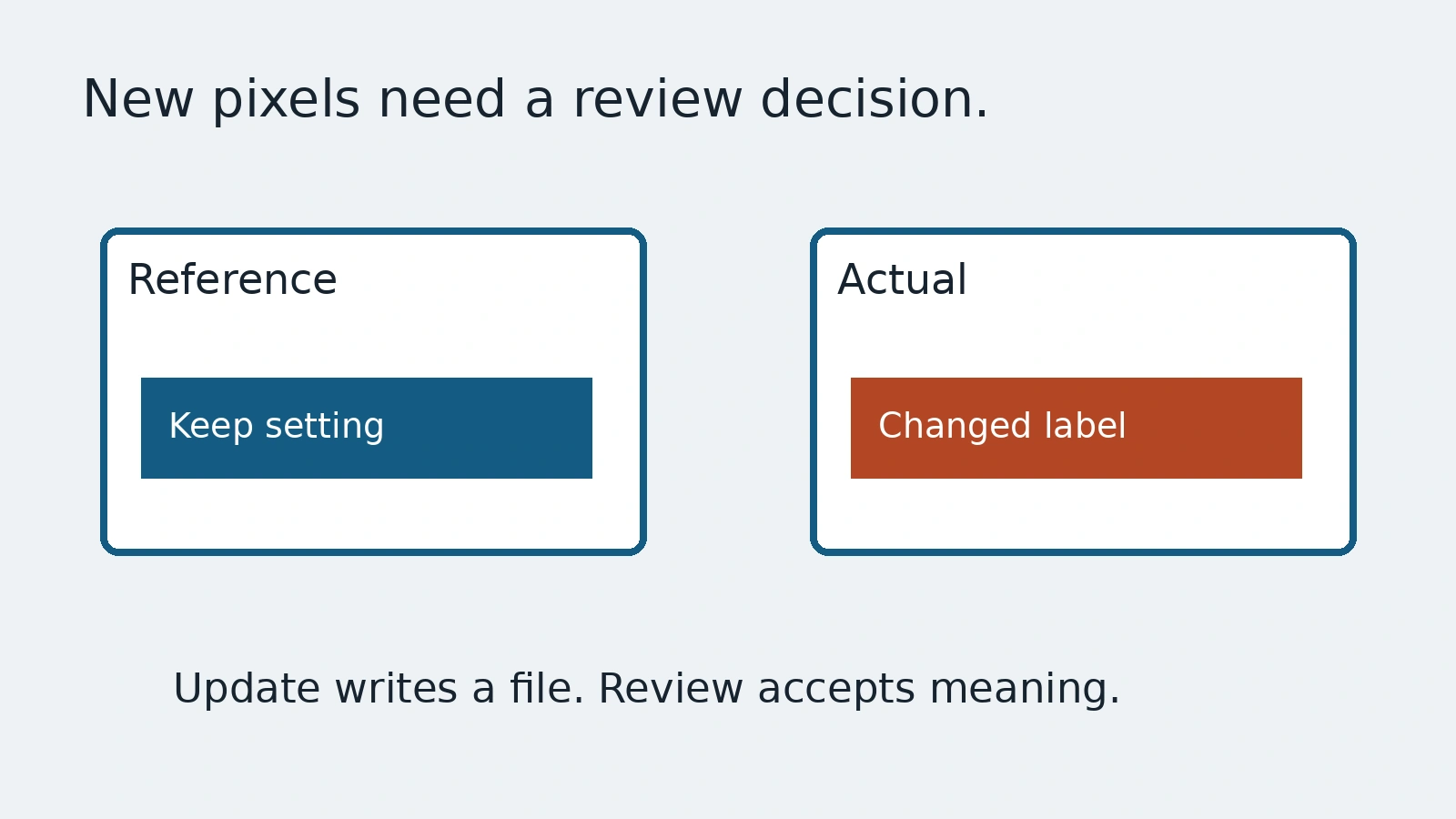
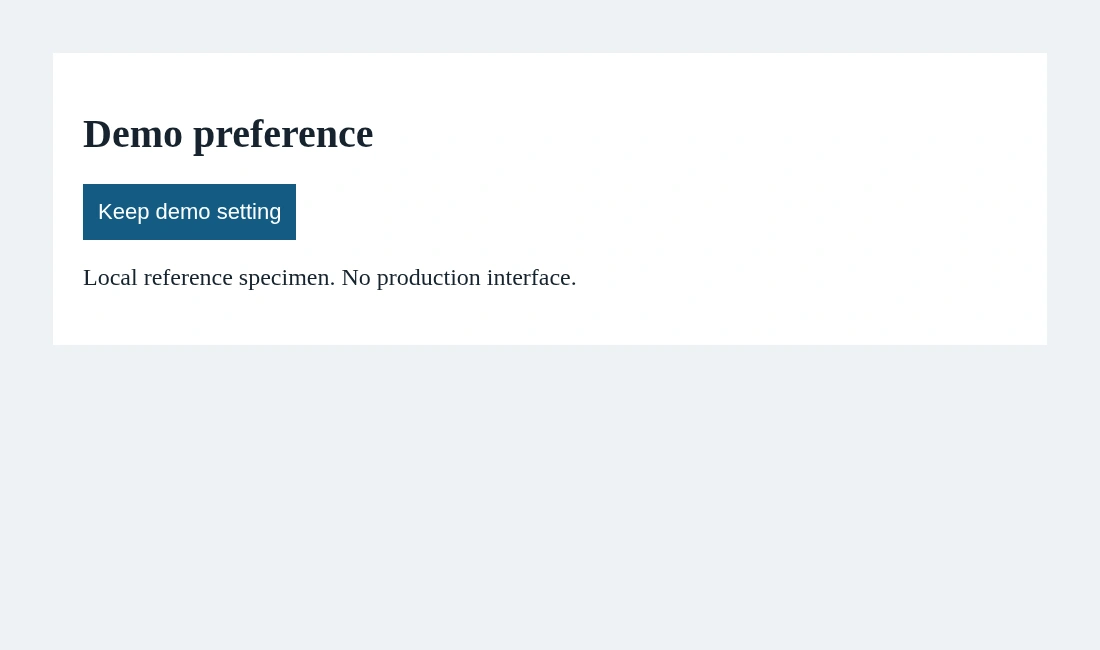
A screenshot check fails after a button disappears. The quickest way back to green is to update the expected image. That command can record the disappearance as the new normal. It cannot decide whether the button was supposed to disappear. A baseline update is an editorial decision about the product, not a repair performed by an image tool.
This guide follows Playwright's screenshot documentation with a local invented preference card. We compare an unchanged specimen in one controlled environment. Its visual is not a production interface, an accessibility certificate or a performance result. The useful question is how a reviewer knows what an updated reference accepts.
Name the reference and its environment
Playwright's screenshot assertion compares a captured image with a reference. The guide describes generating references on the first execution and checking them afterward. Give the image a name that identifies the selected view rather than letting an unrelated screenshot become its replacement.
await page.setContent(`
  <main aria-label="Demo preference card">
    <h1>Demo preference</h1>
    <button>Keep demo setting</button>
  </main>
`);
await expect(page.getByRole('main')).toHaveScreenshot('demo-card.png');
This snippet requires the Playwright runner and imported expect. It captures one selected region, not the whole product. Our local specimen supplies stable styling and a fixed viewport. The reference is created deliberately, then the same specimen is compared in a separate run.
The documentation warns that rendering can vary with operating system, browser, settings, hardware and headless mode. Keep creation and comparison in the same controlled environment. A different platform's output may need a separate reference, not a larger allowance that quietly ignores an important change.
Read the difference before replacing it
When an image differs, inspect the expected and actual images and the visible change. Ask whether a requirement changed, whether the environment drifted or whether the application regressed. Those explanations call for different actions even when the comparison produces the same red result.
The guide documents an update-snapshots command. Use it only after the selected change is understood and approved in the team's workflow. Review the resulting reference files as changes to expected behavior. Do not run a broad update merely to silence every current mismatch.
A snapshot of a removed button may be a correct redesign, or a serious defect. Pixels alone do not know which. Link the change to the requirement and keep an ordinary functional assertion when the control's availability matters.
Bound the comparison honestly
A region comparison says something about that region under the selected setup. It does not inspect off-screen content, other viewports or the meaning of server results. Choose the region from the question, not simply because a smaller crop is easier to keep green.
The guide offers difference settings and screenshot-specific styles. These can control noise, but they also change what differences count. Name every excluded dynamic element and tolerance. Never hide the very control the test is intended to protect.
Our example compares the unchanged local card, then creates a separate actual image with the button text altered for pixel inspection. That second image is not accepted as a new reference. The demonstration shows a visible change and a successful unchanged comparison, not a complete visual testing strategy.
Leave a reviewable acceptance record
Record the view, environment, intended difference and reviewer decision. Preserve the reference history so the next engineer can understand why the expected state moved. Keep private records out of captured images before placing them in a repository.
AnyTest describes application exploration and reviewable end-to-end tests. Ask what a proposed visual check compares and who approved any changed expectation. No specific screenshot-baseline feature of AnyTest is claimed. The update command writes a file; the reviewer owns what that file means.
Common questions
Does updating a reference fix the application?
No. It changes the expected image. Review the product change before accepting it.
Does one region screenshot certify the whole interface?
No. Its evidence is limited to the selected region and rendering setup.