A granted location is only one test case.
Separate browser permission, controlled coordinates and the application fallback before calling a location journey covered.
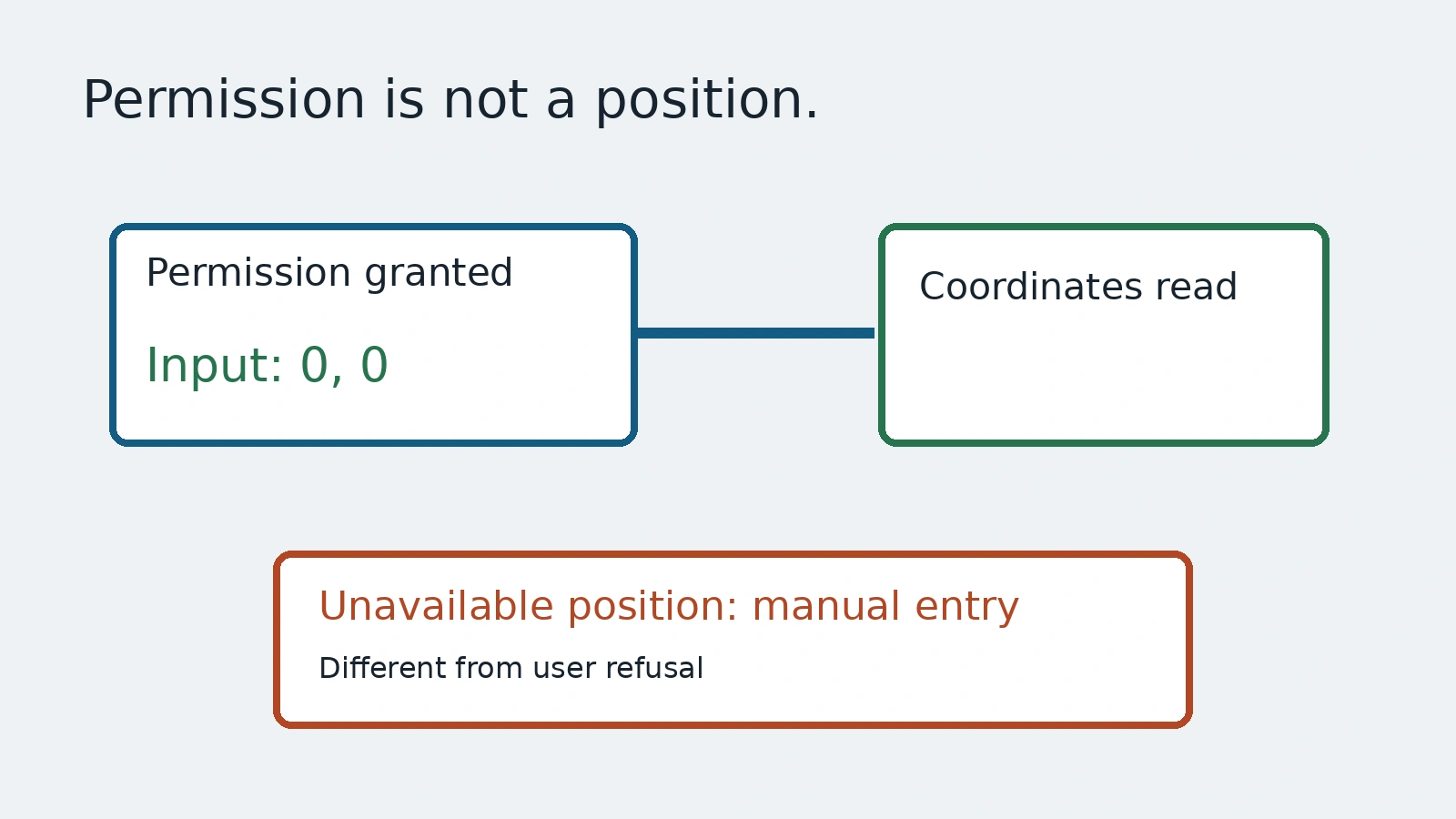
A location-aware page works in the test because permission is always granted. The suite has learned one convenient environment, not the full experience. Someone without a usable location may see an endless loading state or lose the manual entry path. A successful coordinate read cannot prove those fallback cases.
This guide uses Playwright's emulation documentation and BrowserContext API to build an invented local coordinate reader. Its inputs are controlled coordinates, not a person's current location. There is no map provider, delivery order or account. We separate permission to read a position from the position supplied and from the UI's response when a usable position is unavailable.
Keep permission and position as separate inputs
Granting geolocation permission does not define the coordinates. Supplying coordinates does not mean the browser has permission to disclose them. Configure both intentionally in a disposable browser context, and restrict the permission to the known fixture origin.
const context = await browser.newContext({
  geolocation: { latitude: 0, longitude: 0 }
});
await context.grantPermissions(['geolocation'], {
  origin: 'http://localhost:4179'
});
const page = await context.newPage();
await page.goto('http://localhost:4179/');
await page.getByRole('button', { name: 'Read demo location' }).click();
await expect(page.getByRole('status')).toHaveText('Demo coordinates: 0, 0');
await context.close();
The example requires a local fixture server at that origin and Playwright browser and expect fixtures. It uses zero coordinates as obvious test inputs, not as a recommendation for a delivery address. The local page reports the numeric coordinates it received. It does not infer a real place, service area or accurate physical location.
BrowserContext documentation warns that supported permissions differ across browsers and versions. Confirm the permission on the exact engine used by the suite. A Chromium result is not a certificate that a different engine, mobile operating system or physical device behaves the same way.
Make the unavailable path observable
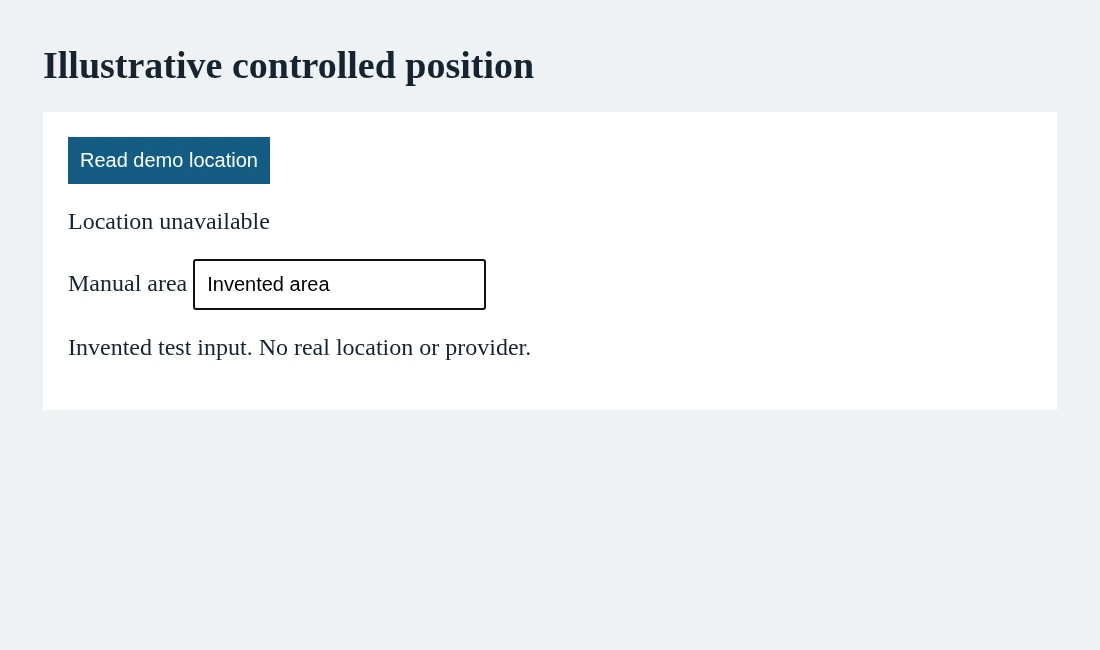
The API documents setGeolocation(null) as emulating an unavailable position. In a separate controlled case, apply that input and let the local page's geolocation error callback show Location unavailable plus a manual entry field. The fixture uses a bounded timeout so the case does not wait indefinitely.
Assert the fallback is visible and usable, not merely that an error callback happened. Our local test fills the manual area field with Invented area. It proves that the specimen offers a usable input after its geolocation error. It does not prove a real delivery service accepts that area.
Do not call this a user-refusal test. Permission granted with an unavailable position is a different setup from permission denied by a person. A browser prompt, a policy restriction, an unavailable sensor and a timeout can lead to related UI, but they are different causes. Add explicit refusal coverage from a supported, verified setup if the product requires it.
Reset the context, not the meaning of the case
Permission overrides belong to the browser context. The API provides clearPermissions() to clear them, but clearing overrides is not the same assertion as a user explicitly refusing permission. Use fresh contexts for independent scenarios and describe exactly what each setup supplies.
Keep the actual fixture origin in the grant. A grant with no origin is broader than this example needs. Do not carry permission settings from a convenient local experiment into another site or a shared authenticated browser. A disposable test context keeps the experiment's scope easier to inspect.
Real location features may cache a last-known position or ask for manual input before requesting permission. Decide those expectations with the product team. One positive read should not silently become coverage for stale coordinates, accuracy thresholds or the sequence of later updates.
Review the fallback as a product path
Name the granted case, unavailable case and any separately verified refusal case in the test plan. Write the next action expected from each state. If manual entry is promised, confirm the field has a useful label and that the next step accepts the approved staging input.
AnyTest describes agents exploring applications and building tests for human review. Use this split to review a proposed location journey: what permission, what coordinates and what fallback? This guide claims no AnyTest permission API or physical-device validation. Useful coverage starts when the environment is explicit and the fallback is treated as a real path, not an inconvenience to disable.
Common questions
Does a geolocation grant supply a real position?
No. Permission and controlled position are separate inputs; the local fixture does not establish a real physical location.
Is an unavailable position the same as a person denying permission?
No. Test and label those causes separately. Clearing permission overrides is not evidence of an explicit refusal.